
[ ANDROID · WINDOWS · NVIDIA ]

Your PC gameson any screen, anywhere.
- ANDROID 8+
- WINDOWS 10/11
- 4K · UP TO 120 FPS
- HDR10 · 5.1 / 7.1
Your games live on the PC, but you’d rather play from the sofa, from bed or on the train. ChimpDeck puts your Windows PC on your phone, tablet or Android TV, with your real controller, at your screen’s exact resolution and without touching your router. Free to play.
FREE TO PLAY · NON STOP PASS FROM €4.99 + VAT [ Get the Pass ]
Plug in, press start and play.
- 01
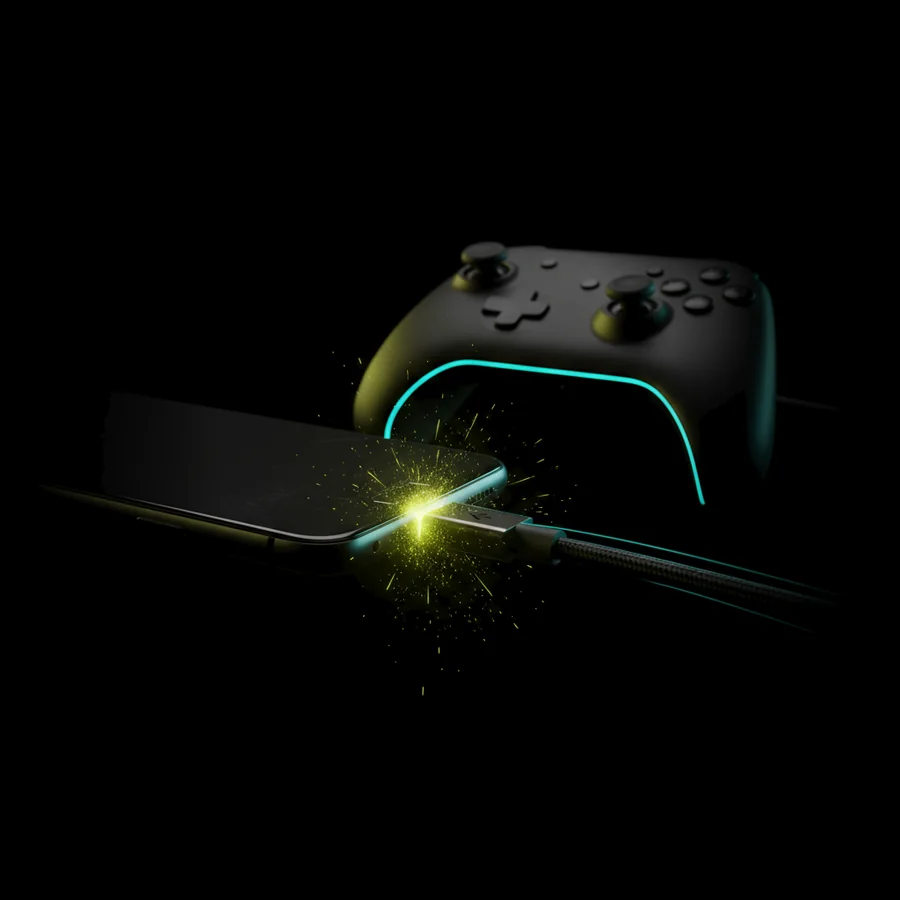
Plug in your pad
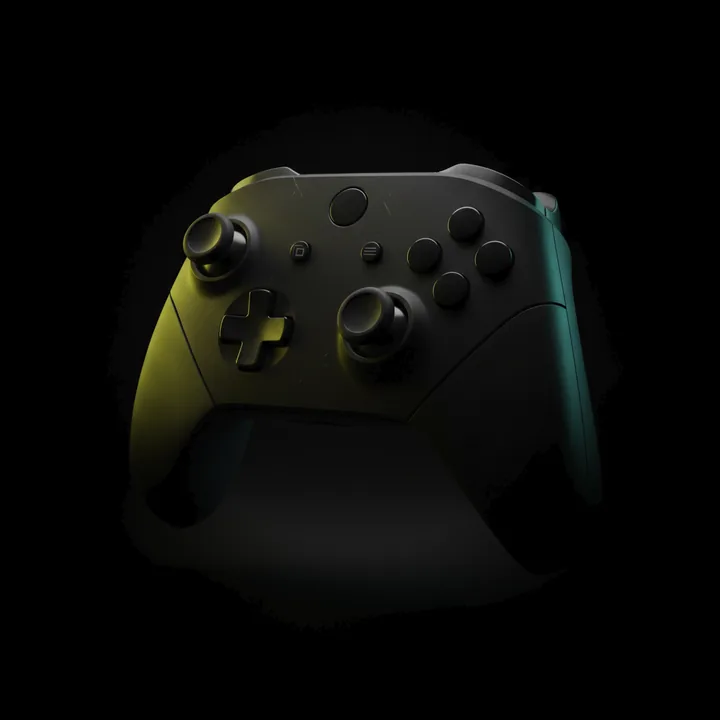
Plug it into your Android by USB or pair it by Bluetooth. Over USB, Windows gets the real device, with its official driver, its force feedback and all four rumble motors.
- 02
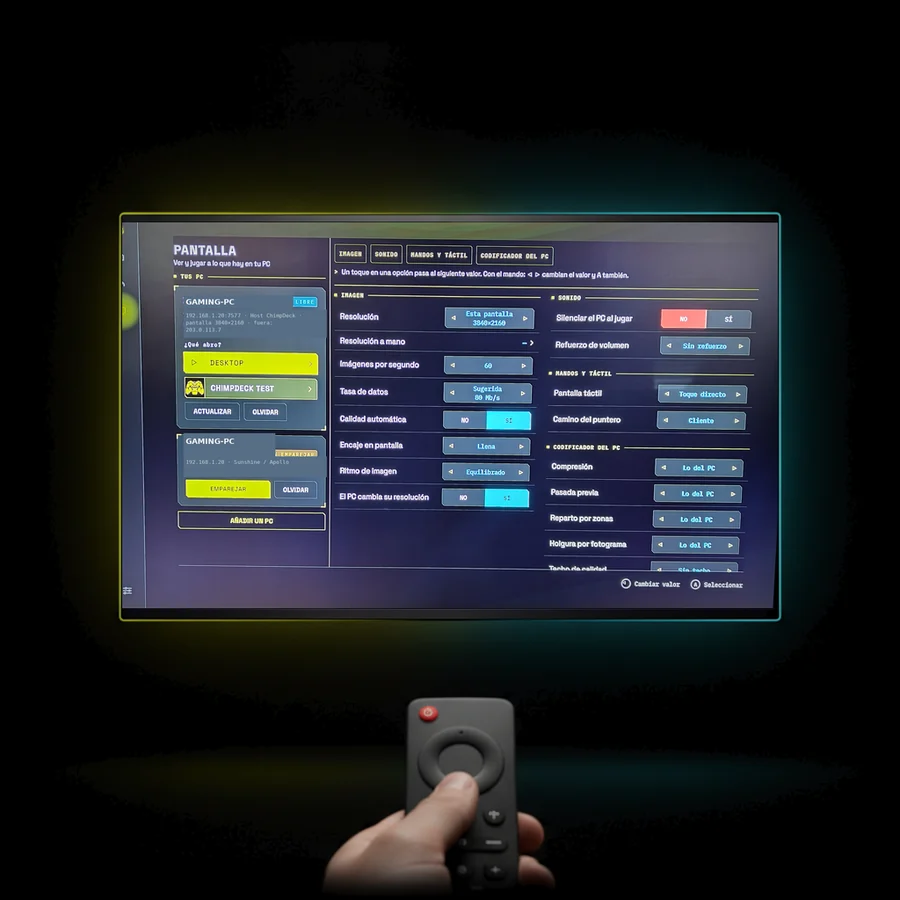
Press start
The app finds your PC on its own, at home or from anywhere over the internet, with nothing to configure.
- 03
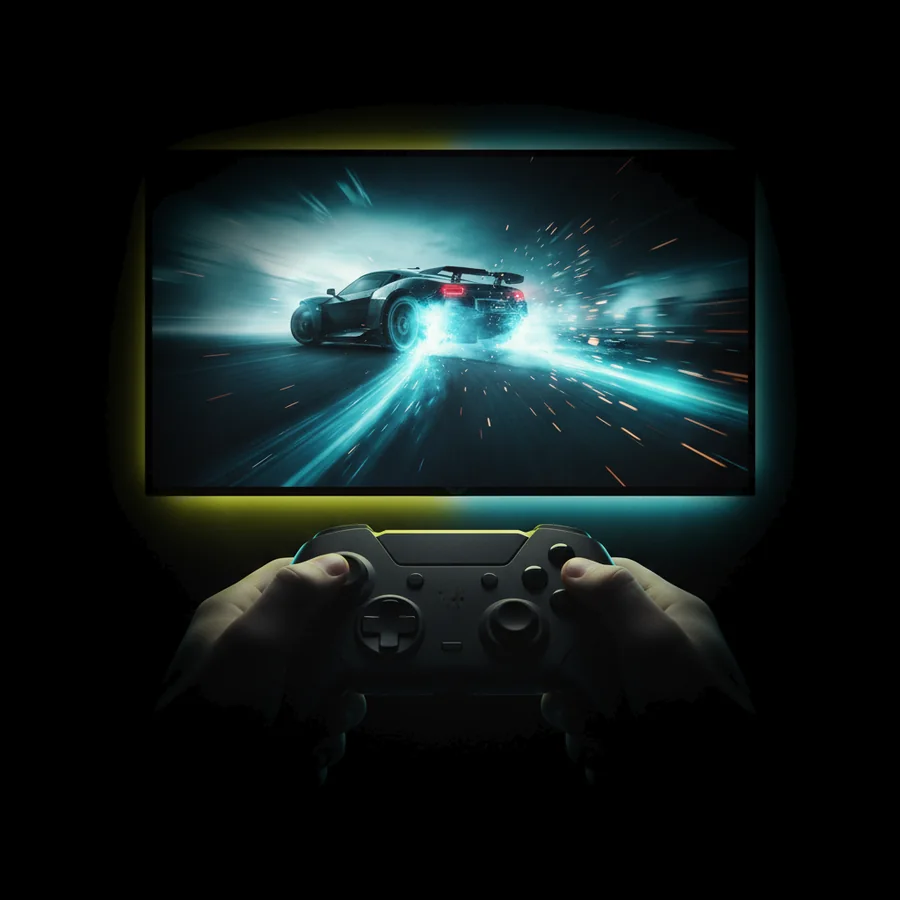
Play
Your PC appears on that screen at its exact resolution, and your controller behaves exactly as it does at the desk.
This is the pad tester built into the app. Every stick, trigger, button and motor — live.
Wherever you already have an Android,you already have a console.
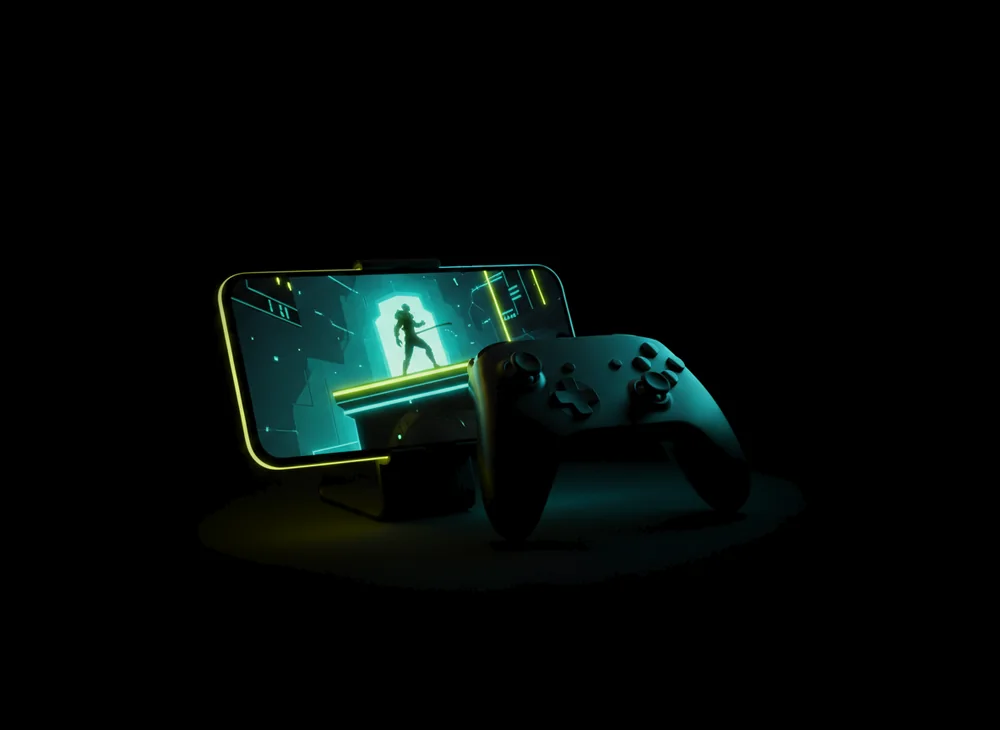
Phone + your pad
With clip-on grips or any Bluetooth pad, your phone becomes a handheld for your own PC library, at its native resolution and with no black bars.
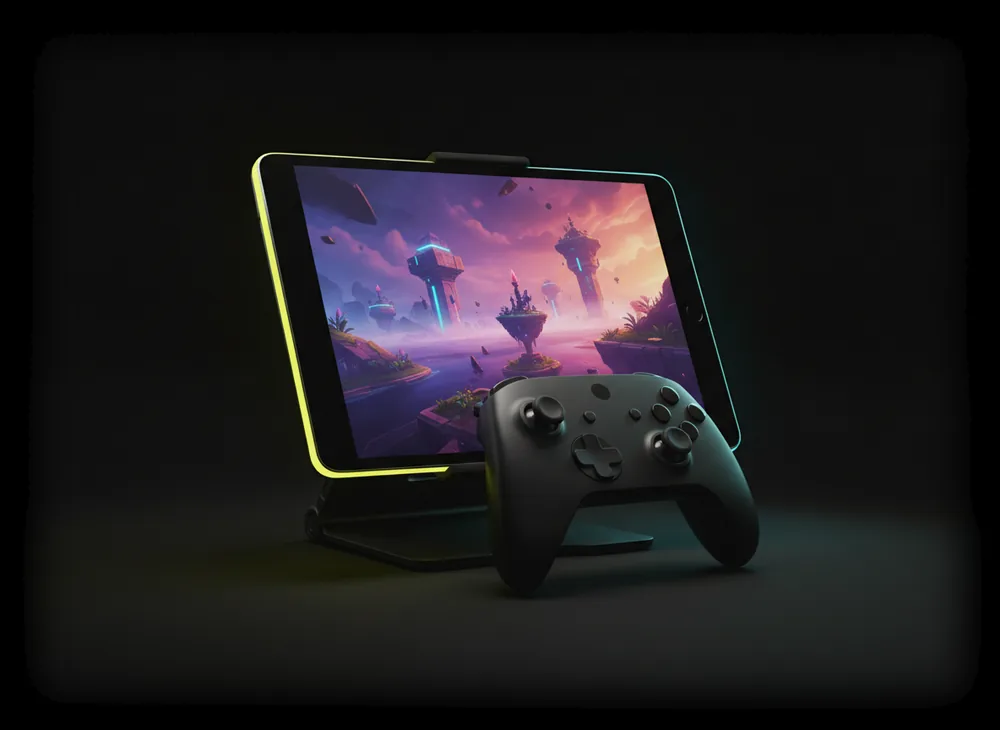
Tablet as a console
Your library at the tablet’s own resolution, with touch, pen and keyboard reaching the PC, and a layout that uses the extra width instead of stretching a phone app.
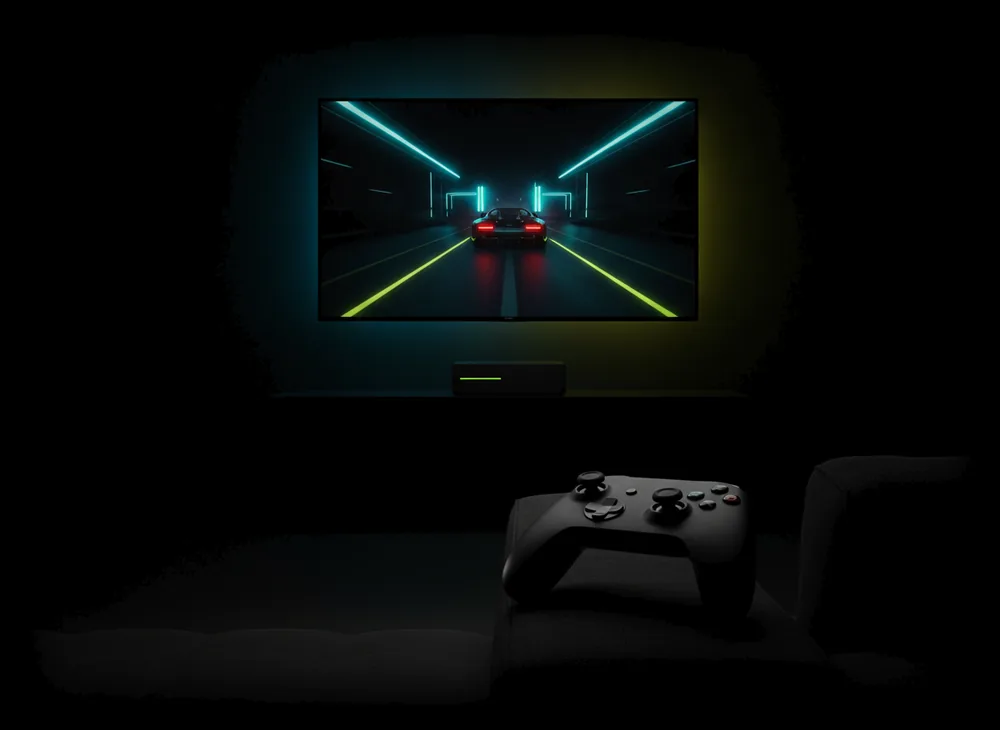
Android TV · NVIDIA Shield
It becomes the living-room console: you drive everything with the pad or the remote, you can see where you are from the sofa, and there is nothing to scroll.
Not an emulated pad,your real one.
Moonlight, Steam Link and Parsec hand your game a generic virtual pad, so a €400 wheel turns into a fake Xbox controller and its force feedback is lost on the way. ChimpDeck sends the USB device itself over the network, so your wheel, your flight stick or your arcade stick shows up in Windows with its official driver, with force feedback, every axis and every button, and all four rumble motors working one by one.
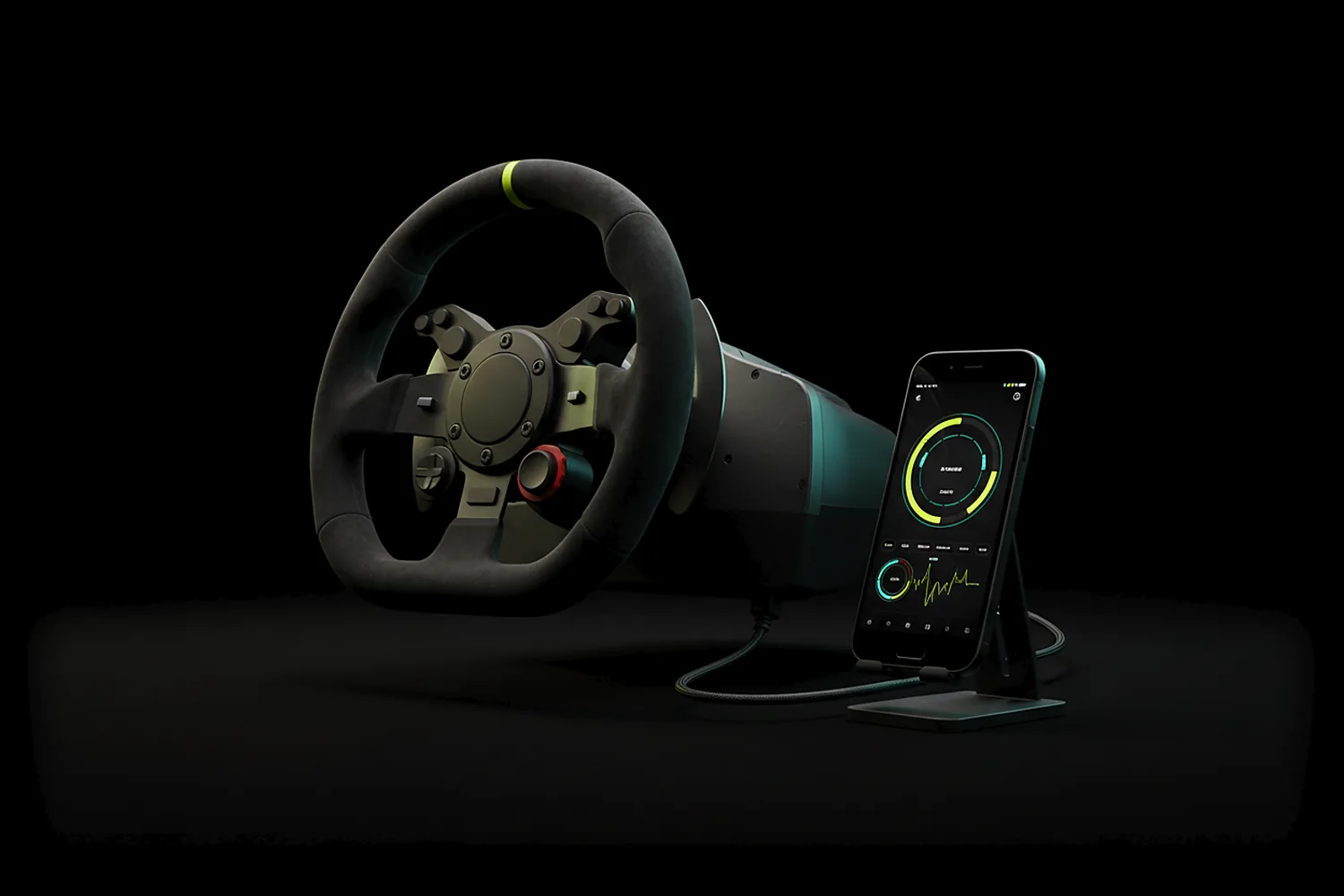
- FORCE FEEDBACK ✔
- OFFICIAL DRIVER ✔
- 4 MOTORS · LT · LM · RM · RT
If Windows has a driver for it, it works.
- WHEEL
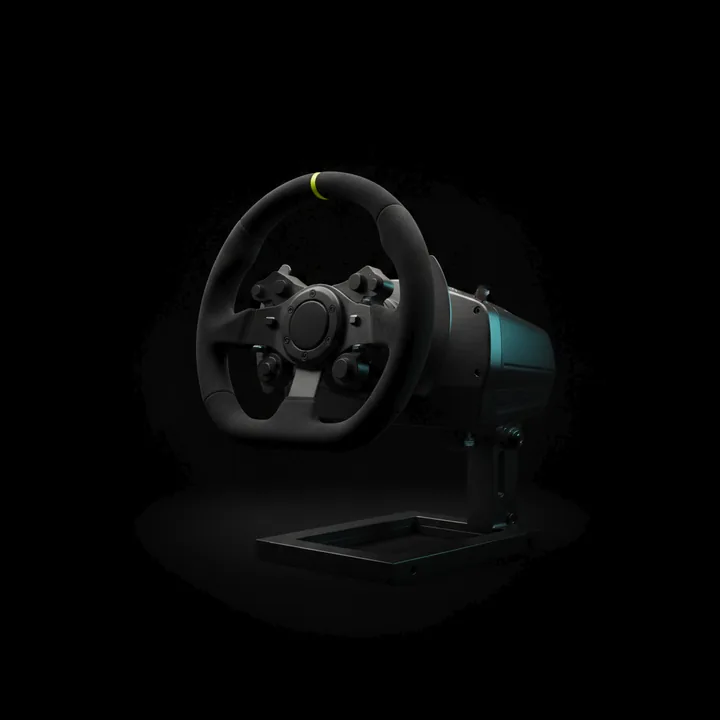
- HOTAS
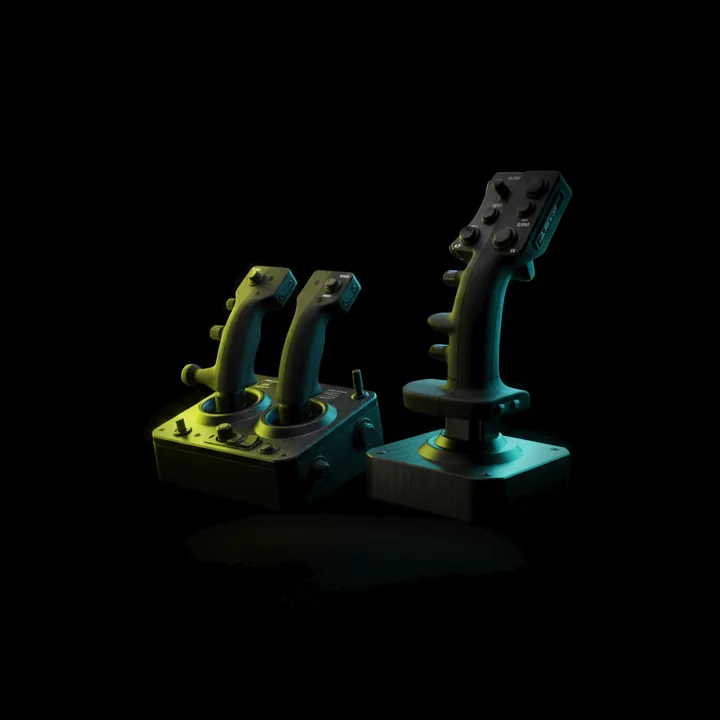
- ARCADE STICK
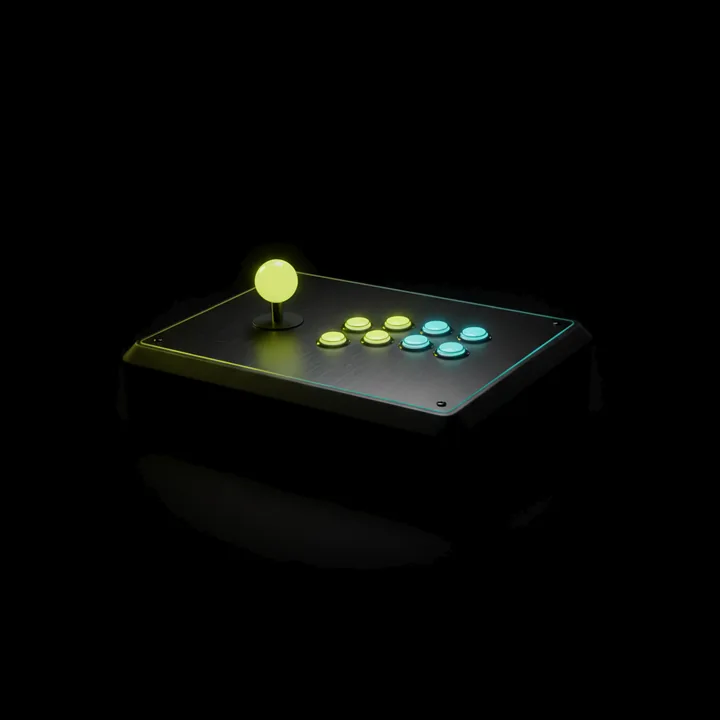
- DUALSENSE-STYLE PAD
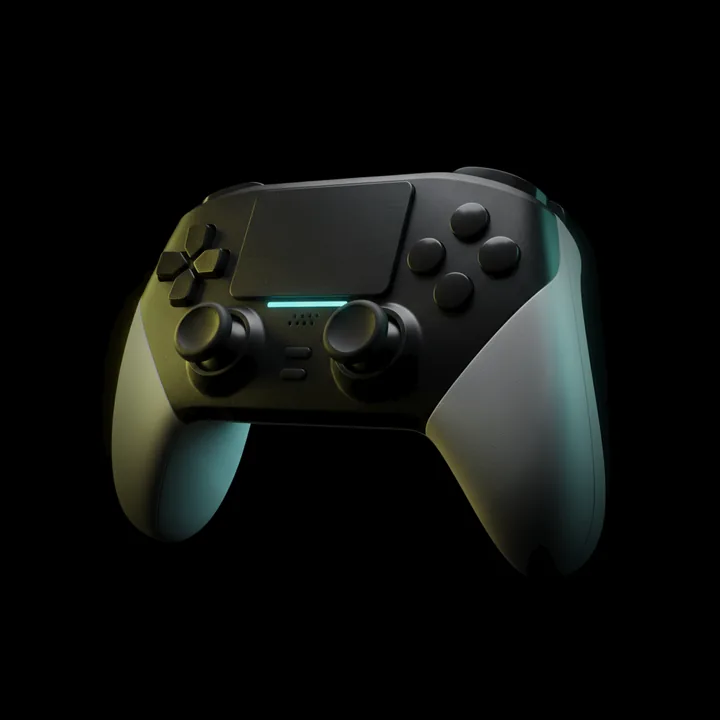
- XBOX-STYLE PAD
The PC stays at homeand you play from anywhere.
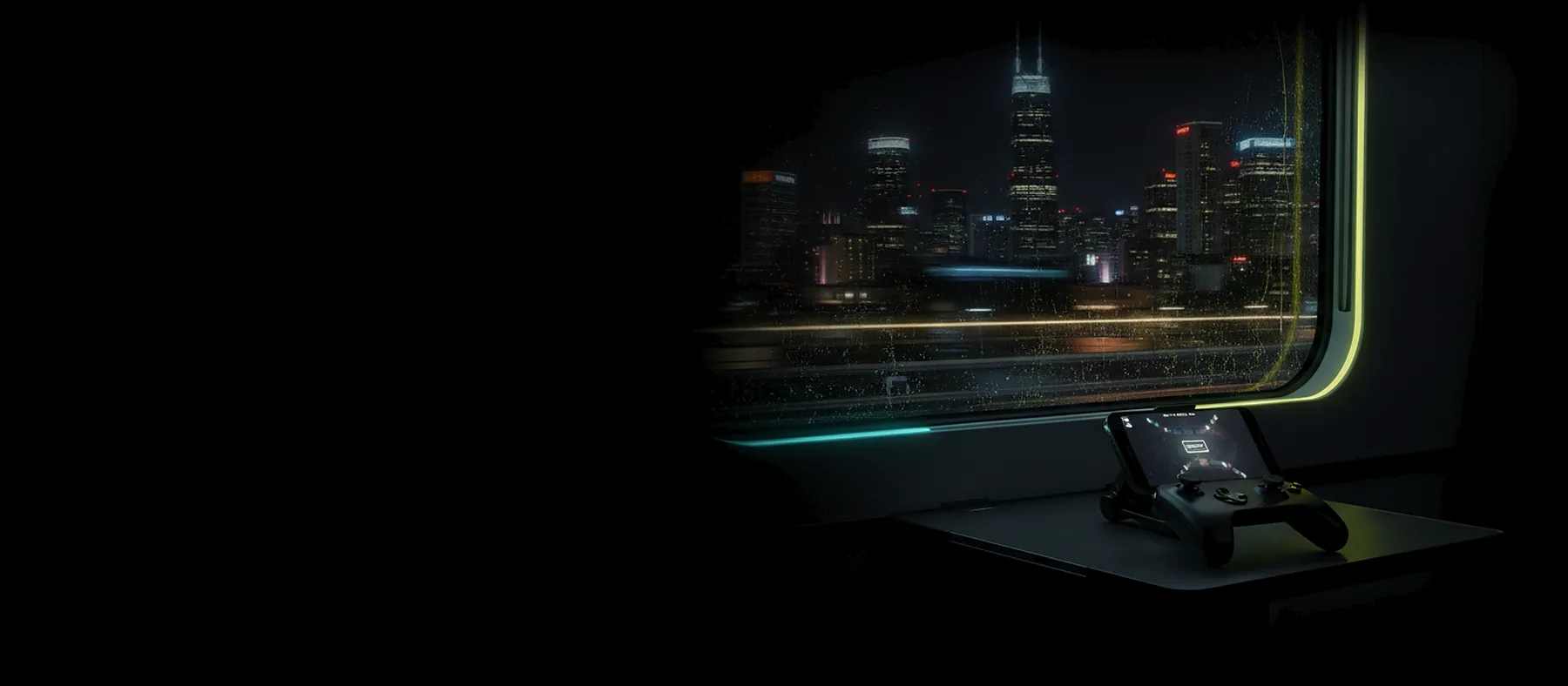
Play from a train, a hotel or a friend’s sofa. Your PC keeps a small connection open to the ChimpDeck meeting point, the app finds it there and the two connect directly, with nothing to open on your router, no VPN and no account. It works on mobile data and on the home connections where opening a port is impossible, which is exactly where the alternatives need a VPN. From then on the video, the sound and your controls travel straight between your phone and your PC.
- NO PORT FORWARDING
- NO VPN · NO ACCOUNT
- WORKS ON 4G · 5G
HANDSHAKE VIA MEETING POINT → DIRECT PATH · VIDEO + AUDIO + INPUTS
Your screen’s exact shape,with no black bars.
A tall phone streaming a wide monitor ends up with black bars or a blurry, stretched picture. ChimpDeck for Windows learns your device’s size when you pair it, whatever that size is, and serves it in that same session on a virtual display of exactly that shape. It uses a single display by default, so your windows stay where they were and the mouse never wanders onto an invisible desktop, and when you stop, that display is removed from the system rather than just switched off, with four independent ways to get your monitor back, even after a crash.
Is your pad broken?Find out in a minute.
Test the drift, the dead zone, the trigger curve, the four rumble motors and your reaction time, and know whether the problem is the pad, the game or the network before you blame any of them. It is built into the app, it is free and it needs no PC.
- DRIFT TEST
0.4 % · NO DRIFT2.7 % · DRIFT
- DEAD ZONE
INSIDE · IGNOREDOUTSIDE · LIVEDEAD ZONE 3 %
- TRIGGER CURVE
LINEAR · DEAD ZONE 3 %
- 4-MOTOR RUMBLE
EACH MOTOR ON ITS OWN
- REACTION
PRESS WHEN IT LIGHTS
Boss fight
CHIMPDECK VS THE FREE ONES
CHIMPDECKYour wheel, flight stick or pro pad works as itself.
The PC gets the real USB device with its official driver, so you keep the force feedback, every axis and button, all four rumble motors and as many pads as you plug in.
A generic emulated pad, unless you add paid software.
The force feedback is gone, the trigger motors need a paid add-on on the PC, and some games don’t recognise your hardware.
Away from home with no ports, no VPN and no account.
Open the app on 4G, 5G or hotel Wi-Fi and your PC is there: the app finds your PC and connects the two directly, with nothing opened on the router.
Ports, a VPN, or an account.
Sunshine can open ports if your router lets it, Parsec connects through your Parsec account and Steam Link through Valve’s relays with your Steam account. When the PC’s own line is behind CGNAT, Sunshine needs a VPN and Parsec says it isn’t supported.
The picture fits your screen and your monitor comes back afterwards.
You get a virtual display of your device’s exact size, a single display by default, and when you stop it is removed, with four ways to get your monitor back even after a crash.
Black bars when your screen isn’t a shape your monitor offers.
They switch your monitor to the closest mode it already has, so a 20:9 phone gets bars; a virtual display of the exact size takes a third-party driver or a paid plan.
When the Wi-Fi blinks, the game keeps going.
Every frame is checked, so damage is repaired or skipped and never shown, and if the picture stops the PC keeps the game paused for up to ten minutes while the app reconnects to it on its own.
Fixed repair, and a short window to come back.
Moonlight’s error correction is fixed for the session (20 % by default) whatever the network does, and after a drop you go back to the list and reconnect yourself; Parsec gives the network 60 seconds.
The lowest input lag your network allows, adjusted while you play.
Quality, repair and pacing change mid-game from the phone, guided by what the PC itself reports, so you never have to stop to change a setting.
A reconnect, an autopilot, or a single slider.
Moonlight needs a reconnect to change quality, Steam Link adapts the bitrate on its own and Parsec lets you move the bandwidth by hand. None of them documents tuning repair and pacing from the PC’s own report.
Your pad works on the PC with no stream at all.
Sit at your monitor and use the controller plugged into your phone as a PC controller; it is a second product inside the first.
A streaming client, and nothing else.
With no stream there is no controller.
You know whether it’s the pad, the game or the network.
The phone has a gamepad lab for drift, dead zone, trigger curve, rumble and reaction time, and the stream shows real numbers: how long the picture takes to encode, travel and decode, and the true delay of your pad.
Numbers for the stream, nothing for the pad.
Their overlays show network and decode times, and Steam Link has a controller test screen, but none measures stick drift, dead zone, trigger curve or your pad’s own delay to the PC.
On the TV it feels like a console, not like a phone app blown up.
It is a real living-room interface for Android TV and Shield: you drive it with the pad or the remote, and you can see where you are from three metres away.
Phone menus on the big screen.
Moonlight is a phone app you can steer with a D-pad, and Parsec calls its Android TV app experimental.
Eight rounds picked where ChimpDeck leads, each a shipped capability you can verify in the app. The rounds it loses today — AV1, AMD and Intel encoding, other platforms, open source — are in the full table below and in “What we’re about to launch”.
The whole feature list,said plainly.
- STREAMING
H.264 / HEVC, 4K at up to 120 fps, HDR10
Hardware decoders only. 30, 60, 90 or 120 fps — whatever your screen and decoder can really do; the app never offers a rate your device can’t play. On an HDR TV the PC switches HDR on for the session and the picture arrives in 10-bit HDR10. Low-latency first, display refresh matched to the stream, three pacing modes.
- STREAMING
Surround sound, 5.1 and 7.1
The app asks the PC for as many channels as your TV or receiver accepts — stereo, 5.1 or 7.1 — and the PC mixes the game in that layout for the session, then puts your sound output back. Receiver on optical or ARC, which only carry stereo uncompressed? The app encodes Dolby Digital itself and passes it through, like a console. Set it all by hand if you prefer.
- AUTO-TUNE
The lowest input lag your network allows
The quality regulator adjusts quality, repair and pacing while you play, guided by what the PC reports about itself instead of guessing from lost packets.
- USB GAMEPAD SERVER
Your pad on the PC, as the real device
Any USB gamepad, wheel, HOTAS or arcade stick reaches Windows with its official driver — so games, profiles and force feedback work exactly as at the desk.
- RUMBLE
Four motors, addressed one by one
Left trigger, left body, right body, right trigger — with pressure-driven trigger feedback. Over USB.
- BLUETOOTH BRIDGE
Bluetooth pads too
A pad paired to the phone reaches the PC as a virtual Xbox 360 controller (PlayStation identity selectable on the PC) and stays connected when the stream starts. Rumble over Bluetooth is about to launch; over USB it is the real thing today.
- NO SESSION NEEDED
Works with no streaming at all
Sit at your monitor and use the pad plugged into your phone. The bridge is a product on its own.
- AUDIO
Sound that keeps up with the game
Perfect sound sends the PC’s audio to the phone for the session and restores it afterwards; you set the volume from the phone and you can mute the PC while you play.
- MICROPHONE
Your phone’s mic on the PC
Appears as a normal Windows input device through the same link — voice chat, dictation, a call.
- INPUT
Touch, pen, keyboard, mouse
Trackpad or absolute touch, native pen injection, on-screen and physical keyboards, mouse driven from the pad.
- PC PERMISSIONS
The PC decides what the phone may control
Three switches on the PC, for the pointer, typing and the controller: switched off there, that input does not get in whatever the phone sends, so you can lend the screen without lending the keyboard.
- CLIPBOARD
Copy here, paste there
Clipboard phone → PC, and PC → phone on request, straight from the stream.
- WAKE ON LAN
Turn the PC on from the sofa
If the PC is off and the app knows its network address, one press wakes it before you connect.
- AUTO-LEARN
The PC adds itself
When a PC connects to the pad you’re sharing, the app learns it on its own and pairs by itself if it already trusts it. Nothing to type.
- STATS
Real numbers, not vibes
Frames, drops, repairs, checks, encode time, round trip, decode time and pacing, plus the PC’s own report, all measured on your setup and never promised, and the delay from your pad to the PC is shown with its margin of error.
- SUPPORT
One tap sends the log
Crashes and failed starts report themselves, so problems are seen without you having to describe them.
ChimpDeck vs Moonlight, Sunshine, Apollo, Steam Link and Parsec
The fair comparison is ChimpDeck app + ChimpDeck host against Moonlight + Sunshine or Apollo. Columns for the others reflect their public documentation, checked cell by cell on 1 October 2026 (Sunshine docs, Moonlight wiki and releases, Apollo and Artemis READMEs, Steam Link help, Parsec support — the links are in the full product reference at /info). The rows where ChimpDeck loses are listed on purpose: if one of them is your deciding factor, the alternative is the right choice. Spotted a cell that is out of date? Tell us from the contact page and it gets corrected.
| CAPABILITY | CHIMPDECK | MOONLIGHT + SUNSHINE | MOONLIGHT + APOLLO | STEAM LINK | PARSEC |
|---|---|---|---|---|---|
| YOUR CONTROLLER | |||||
| Your real USB controller on the PC (wheel, HOTAS, arcade stick) | yesreal device | noemulated | noemulated | noemulated; real USB only via paid VirtualHere | noemulated |
| Gamepad diagnostics: drift, dead zone, trigger curve, rumble | yes | no | partialArtemis has a debug page (vibration and gyro readouts); no drift, dead-zone or trigger tests | partialcontroller test screen; no drift or trigger tests | no |
| Several controllers at once (local co-op) | yesreal devices over USB, with nicknames | yesup to 16 | yes | yes | yes |
| Rumble with a Bluetooth pad (only pads that expose a motor to Android can vibrate; for the rest, other apps vibrate the phone) | nocoming soon: pad + phone haptics | partialpad if supported, else the phone | partialpad if supported, else the phone | partialpad if supported | partialpad if supported |
| AWAY FROM HOME | |||||
| Play away from home with nothing opened on the router | yesno account, nothing to set up | partialports (Sunshine can open them) or a VPN; only a VPN behind CGNAT | partialports (Sunshine can open them) or a VPN; only a VPN behind CGNAT | yesSteam relay | partialpeer-to-peer with an account; no relay, no CGNAT |
| Wake-on-LAN | yesaddress learned, nothing to type | yes | yes | yes | no |
| THE PICTURE ON YOUR SCREEN | |||||
| Exact native resolution for any device, ready the same session | yes | partialpartial | yes | partialhost option to match the client; only modes the GPU already offers | partialmatches the client by default; only modes the display offers |
| Virtual display removed after the session, single-display by default, four ways to restore | yesremoved + 4 recovery paths | no | partialremoved on quit; optional isolated display; identity per client | not applicable | novirtual displays on paid Warp; a fallback one if no monitor |
| H.264 / HEVC hardware decoding, 4K and up to 120 fps | yeslow-latency decoder, only real rates | yes | yes | partialpartial | partialpartial |
| Frame pacing and display refresh | yes3 modes + display refresh switch | yes | yes | yes | yes |
| HDR (HDR10, 10-bit) | yesthe PC switches HDR on for the session, the TV follows | yes | yes | yesfrom Windows, enhanced 1080p / 4K settings | no |
| AV1 | nocoming soon | yes | yes | yesfrom high-end PCs; not every device decodes it (the Shield doesn’t) | no |
| AMD or Intel GPU for encoding | nocoming soon | yes | yes | yes | yes |
| WHEN THE NETWORK MISBEHAVES | |||||
| Per-frame checksum on top of error correction — a damaged frame is never decoded | yeschecksum + FEC + keyframe request | partialFEC + keyframe request; AES-GCM per packet if encrypted | partialFEC + keyframe request; AES-GCM per packet if encrypted | partialpartial | partialpartial |
| Network drop: the host pauses up to 10 min and the app reconnects by itself | yesautomatic, same game | partialgame stays open; resume by hand | partialgame stays open; resume by hand | partialpartial | partialsession waits up to 60 s for the network |
| Change bitrate and repair mid-session, no reconnect | yes | no | no | partialadaptive bitrate, automatic | partialbandwidth live from the overlay |
| Regulator reads PC-side telemetry (encode time, real output) | yes | no | no | no | no |
| Forward error correction | yesadaptive, verified before use | yesfixed per session, 20 % by default | yesfixed per session, 20 % by default | yes | yes |
| SOUND, INPUT AND THE REST | |||||
| Input permissions enforced on the PC (pointer / typing / pad) | yesthree switches, live | partialglobal on/off: pad, keyboard, mouse | yesper-client permissions | partialRemote Play Together guests only | partialpartial |
| Phone microphone to the PC | yesas a Windows input device | no | nonot released: an open pull request adds it with patched clients | yesoption in the streaming settings | noWindows and macOS clients only |
| Clipboard phone ↔ PC | yesboth ways, from the stream | no | yeswith the Artemis client | no | yes |
| Low-latency audio | yes10 ms cushion, never creeps | yes | yes | yes | yes |
| Surround sound (5.1 / 7.1) | yespicked from what your TV or receiver accepts, or set by hand; Dolby Digital encoded by the app over optical / ARC | yesPCM only | yesPCM only | yes | partialdesktop clients; not documented on Android |
| SETUP AND PAIRING | |||||
| Pairing without typing a PIN | yesmatching number, nothing to type | no | no | partiala PIN typed in Steam once | partialaccount login instead |
| Reinstall the app and stay paired | yes | no | no | no | yes |
| THE LIVING ROOM, AND OTHER SCREENS | |||||
| Interface designed for a D-pad or TV remote (10-foot layout) | yes10-foot layout | yesnavigable | yesnavigable | yes | no |
| A PC as the client (play on a laptop) | nocoming soon | yes | yes | yes | yes |
| Clients for iOS / macOS / Linux | nocoming soon | yes | yes | yes | partialmacOS and Linux; no iOS |
| Guest sessions (a friend plays on your PC) | nocoming soon | no | partialextra paired clients with limited permissions | partialRemote Play Together: local co-op games, up to 4 players | yes |
| PRICE AND LICENCE | |||||
| Free with no Play Cooldown | partialfree with the cooldown (real play only); the Pass switches it off | yes | yes | yes | yesfree for personal use |
| Open source | no | yes | yes | no | no |
Works with Sunshine and Apollo hosts too
ChimpDeck for Android is a full client for Sunshine and Apollo: PIN pairing, app list with box art, launch and resume, HEVC or H.264, gamepad, touch, keyboard and mouse. The ChimpDeck-only features — live quality control, frame checksums, host telemetry, virtual-display logic and real USB controller forwarding — need ChimpDeck for Windows on the PC.
What you need
- Android 8.0 (API 26) or later
- USB OTG for the gamepad server
- Hardware H.264 / HEVC decoder
- Touchscreen optional · Wi-Fi optional
- Phone, tablet, Android TV, NVIDIA Shield
- Windows 10 or 11
- NVIDIA GPU for encoding today (AMD and Intel coming soon)
- One installer: app, USB bridge driver signed by Microsoft, virtual display adapter
- Installs per user · never asks for admin again
What we’re about to launch
In the order we’re building it: the first three are next in line, the rest follow behind them. What you get today is in brackets.
Rumble over Bluetooth — on the pad where its firmware allows it, and haptics on the phone (today: real rumble and force feedback over USB — four motors, trigger feedback — where no emulated pad can follow)
Your phone as a touch controller, with haptics (today: any USB or Bluetooth pad; the phone’s touch, pen, keyboard and mouse already reach the PC)
Finding the PC by name (today: address the first time, then remembered and learned on its own)
AMD and Intel encoding (today: NVIDIA NVENC)
A relay of last resort when no direct path can be opened away from home (today: the meeting point measures the NAT and opens a direct path; when it can’t, the app says so instead of pretending)
AV1 (today: H.264 / HEVC up to 4K · 120 fps, SDR and HDR10; surround 5.1 / 7.1)
Guest sessions and monitor choice (today: one display, your windows stay put)
iOS, macOS and Linux apps, a Linux host and a PC client (today: Android 8+ and Windows 10/11)
Free to play,or a Non Stop Pass to never stop.
Every feature is free, with the Play Cooldown: 2 hours of real play, then a 4-hour cooldown — a healthy-play rhythm in the spirit of the play timers consoles offer, with a heads-up 15, 5 and 1 minute before. Only real play counts: the clock stops on its own when the pad sits still. The Non Stop Pass switches the cooldown off and nothing else — no feature is held back, no account needed. Not sure which? Start with 30 days: nothing renews, and the same key upgrades to Forever whenever you like.
- FREE€0
- Every feature
- Play Cooldown: 2 h of real play, then 4 h of cooldown
- The clock stops when the pad does
- No account
- 30 DAYS€4.99+ VAT · one month, no cooldown
- No cooldown for 30 days
- Renew in one tap when it runs out
- Nothing is ever charged automatically
- BEST VALUEFOREVER€39.99+ VAT · one payment, done
- No cooldown, ever
- Never expires, never renews
- Pay once and forget about it
- 01Pick your Pass and pay, in thirty seconds
- 02Your key appears on screen and lands in your inbox
- 03ChimpDeck unlocks itself on your PC
No account, no password · Secure payment by Stripe · Invoice included · Open-sourced if ever discontinued
Your PC on any screen,tonight.
It’s free on Android and Windows: install both, pair them once and play tonight.
ChimpDeck for Android
Get it on Google PlayChimpDeck for Windows
Download the hostNon Stop Pass
Switch off the cooldown
NO ACCOUNT · NO CLOUD · RUNS ON YOUR NETWORK · ENCRYPTED END TO END
Questions people actually ask
01Is ChimpDeck free?
Yes. Every feature is free, with the Play Cooldown: after 2 hours of play, a 4-hour cooldown before the next session, with warnings 15, 5 and 1 minute before. It counts real play only — the clock runs while you use the controller and stops by itself when the pad sits still. The Non Stop Pass switches it off: €4.99 + VAT for 30 days (nothing charged automatically) or €39.99 + VAT once. It unlocks nothing else.
Read the full answer02Why not just use Moonlight + Sunshine, or Apollo?
If what decides it for you is AV1, an AMD or Intel PC, a client for something other than Android, or open source, then they are the right choice today, and the full table above says so. ChimpDeck is for what they can’t do: your real controller on the PC, playing away from home with nothing opened on the router, a picture that fits any screen and cleans up after itself, a session that survives Wi-Fi hiccups without ever showing a broken frame, and an interface built for the TV — with HDR10 and 5.1 / 7.1 sound like theirs. And since ChimpDeck for Android is also a full client for Sunshine and Apollo hosts, both can live side by side.
Read the full answer03I have a normal Xbox or PlayStation pad. Is it still worth it?
Yes, if you play on a TV, away from home or on a phone. Sending the real device matters most for wheels, sticks and pro pads; with a standard pad what you get is the living-room interface on Android TV and Shield, the exact resolution with no black bars, playing away from home with no VPN and no account, a session that survives network cuts, and the Play Cooldown as a rhythm if kids play.
Read the full answer04How much latency does it add?
It depends on your network, pad and PC. The app synchronises clocks with the PC and shows the real figure with its margin of error. We publish no fake number.
Read the full answer05Which gamepads work?
Any USB gamepad, wheel, flight stick or arcade controller: Windows sees the real device with its official driver, rumble and force feedback included. Bluetooth pads reach the PC as a virtual Xbox 360 (or PlayStation) controller and stay connected when the stream starts. Over Bluetooth, only pads whose firmware exposes a motor to Android can vibrate — many don’t, and what other apps “rumble” is then the phone itself; ChimpDeck is about to launch pad rumble where the pad allows it plus haptics on the phone. Plug in with a cable for the real device with everything it has.
Read the full answer06Does force feedback work on racing wheels?
Yes — the wheel is a real USB device on the PC, so the game talks to its official driver.
Read the full answer07Do I have to open ports on my router to play from outside?
No. The PC keeps a small connection open to the ChimpDeck meeting point and the app finds it through it, and from then on the video, the sound and your controls travel directly between phone and PC. It works on mobile data too, and on the home connections where your provider does not let you open a port at all.
Read the full answer08Will the PC switch to my phone’s exact resolution?
Yes, with ChimpDeck for Windows. Any size is learned at pairing, served in the same session, and the virtual display is removed afterwards.
Read the full answer09What frame rate can I get?
Whatever your device can decode and your screen can show: 30, 60, 90 or 120 fps, at up to 4K. The app only offers rates your hardware really supports.
Read the full answer10Can I turn my PC on remotely?
Yes, on your home network: if the PC is off and the app knows its network address, one press wakes it (Wake-on-LAN) before you connect.
Read the full answer11Does it work with Sunshine or Apollo?
Yes. ChimpDeck for Android is a full client for Sunshine and Apollo hosts. The ChimpDeck-only features need ChimpDeck for Windows on the PC.
Read the full answer12Do I need a cable between my phone and the PC?
No. Only the pad is cabled to the Android device (or paired by Bluetooth). Between device and PC there is your network — or, away from home, a direct internet path opened by the meeting point.
Read the full answer13Can I use it without a touchscreen?
Yes. Every screen and setting works with a D-pad, a game controller or a TV remote: the D-pad moves, one press acts — yes/no settings flip in place and lists open a short menu to pick from.
Read the full answer14Is the traffic protected?
Yes. The link between the Android device and the PC is encrypted end to end, on by default. The meeting point only sees identities and addresses — never your picture or your inputs.
Read the full answer15What happens if ChimpDeck shuts down?
Playing never depends on our servers: at home the app talks to the PC directly, and away from home it can use the PC’s public address like Moonlight does. And if ChimpDeck were ever discontinued, its source code would be released as open source, so the app, the host and its drivers could be kept alive by the community.
Read the full answer16Does it keep running if I leave the app?
Yes: background service, watchdog, automatic reconnection and hand-over, autostart on boot or when a pad is plugged in.
Read the full answer17Is there an iOS, macOS or Linux client?
Not yet, and they are not the next thing either: other platforms sit in the last tier of “What we’re about to launch”, behind AMD and Intel encoding and AV1. Today ChimpDeck runs on Android 8 or later (phone, tablet, Android TV, Shield) and on Windows 10 and 11.
Read the full answerPEOPLE REACH CHIMPDECK LOOKING FOR
- Moonlight alternative
- Sunshine alternative
- Apollo alternative
- Steam Link alternative
- Steam Remote Play alternative
- Parsec alternative for gaming
- play PC games on Android TV
- NVIDIA Shield PC streaming
- USB over IP gamepad Android
- controller passthrough to PC
- racing wheel over network
- HOTAS over Wi-Fi
- remote play without port forwarding
- play PC games over 4G/5G
- virtual display for streaming
- exact resolution streaming
- turn my phone into a Steam Deck
- stick drift test Android
- low-latency HEVC streaming
- gamepad server for Windows